

If you’ve already written a crochet pattern you’re proud of, you’re well on your way to selling it online. But creating a great pattern is only half the equation. The way you present that pattern can have a significant impact on how customers perceive its value, how easy it is to follow, and whether buyers come back for future designs.
And the gold standard for digital patterns are PDFs. A professionally formatted PDF transforms your pattern from a collection of instructions into a polished digital product. It helps customers enjoy a smoother experience while reinforcing your credibility as a designer, since PDFs can be opened on any device.
If you’re just getting started, be sure to check out our guides on selling crochet patterns online, pattern testing, marketing and promoting your crochet patterns, and pricing your crochet patterns. Together, these resources will help you build a strong foundation for your pattern business.
As you read, use the checklist below to create your own PDF preparation workflow. (Want a more detailed dive into some of these concepts? Read our article on formatting your pattern PDFs here.)
Your Crochet Pattern PDF Checklist
Before publishing your pattern, make sure you’ve completed the following:
Pattern Preparation
☐ Finalize all pattern instructions
☐ Verify stitch counts and measurements
☐ Proofread for spelling and formatting errors
☐ Have at least one test crocheter review the pattern (see our article on pattern testing)
PDF Creation
☐ Format the pattern using a consistent layout (see our article by Paul Haesemeyer who explores how he designed his pattern layouts)
☐ Add section headings and clear organization
☐ Include materials, abbreviations, and sizing information
☐ Add high-quality project photos (see our article on photography tips)
☐ Include your logo or branding elements (see our article on brand identity)
☐ Export and test the PDF on multiple devices
Accessibility & Customer Experience
☐ Add image descriptions or alternative text where possible
☐ Ensure text is readable and high contrast
☐ Include contact information for pattern support
☐ Confirm the PDF prints correctly
Why Use PDFs for Crochet Patterns?
There are many ways to distribute digital content, but PDFs remain the industry standard for crochet and knitting patterns due to their cross-device compatibility and their ease of use.
Professional Presentation
A PDF allows you to control exactly how your pattern appears. Unlike web pages or editable documents, PDFs preserve your formatting regardless of the device being used.
This means your carefully organized instructions, images, and charts will look the way you intended whether a customer opens the file on a desktop computer, tablet, or phone.
Checklist Item:
☐ Review your pattern on multiple screen sizes before publishing.
Easy to Download and Print
Most crocheters are familiar with PDF patterns and appreciate their convenience. Customers can download patterns immediately after purchase, save them to their devices, or print them for use during projects (Yes! Lots of crocheters still print their patterns, especially older audience demographics!).
The easier your pattern is to access, the better the customer experience.
Checklist Item:
☐ Print a test copy to confirm formatting, page breaks, and image quality.
Protection
While no digital format can completely prevent unauthorized sharing, PDFs offer more protection than editable documents.
Many designers include copyright notices, branding, or subtle watermarks within their files. These elements help establish ownership while maintaining a professional appearance.
Checklist Item:
☐ Add copyright information and designer details to every pattern.
Essential Tools for Creating Crochet Pattern PDFs
You don’t need expensive software to create professional-looking pattern PDFs.
Word Processing Software
Many successful designers create their patterns using:
- Microsoft Word
- Google Docs
- Apple Pages
These tools provide everything needed for most pattern layouts, including headings, images, tables, and page formatting. Marketplaces like Envato Elements even sell easy to use templates for Word, Google, and other formats that you can use to jumpstart your design process.
Checklist Item:
☐ Choose a primary document editor and create a reusable pattern template.
Graphic Design Software (Optional)
If you want more visual control over your layouts, consider tools such as:
- Canva
- Adobe InDesign
These platforms allow you to create highly branded, magazine-style PDFs with custom graphics and advanced formatting options. You can even start for free on Canva.
Checklist Item:
☐ Decide whether your brand would benefit from enhanced visual design.
PDF Converter
Most word processors (like Microsoft Word and Google Docs) can export directly to PDF. There are also many free online PDF conversion tools available if needed.
Before publishing, always review the final exported file rather than assuming it looks identical to the original document.
Checklist Item:
☐ Open the exported PDF and review every page before selling.
Tips for How to Make PDF Patterns to Sell
Create a Clear Layout
Crocheters should be able to quickly find the information they need.
Use:
- Clear headings and subheadings
- Bulleted lists
- Adequate spacing
- Consistent formatting
- Page numbers
A cluttered pattern can feel overwhelming, even when the instructions themselves are accurate. Be sure to reference patterns from reputable sources like Vogue Knitting or Yarnspirations to understand what customers are looking for.
Checklist Item:
☐ Scan the PDF and confirm information is easy to locate at a glance.
Include High-Quality Images
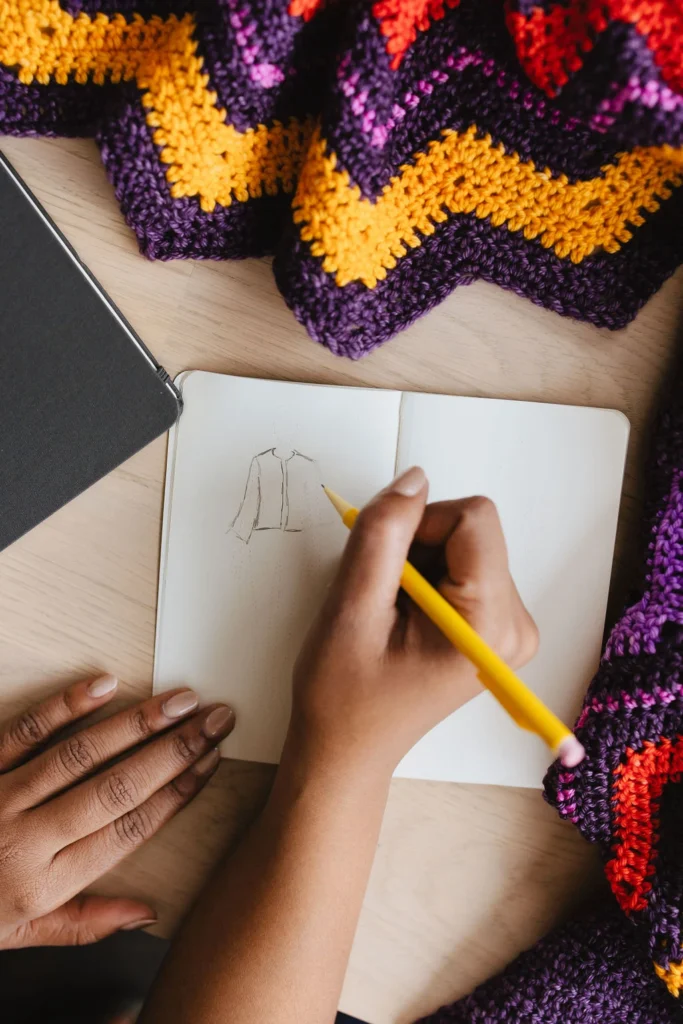
Photos serve two important purposes:
First, they help sell the pattern by showcasing the finished project.
Second, they help customers understand techniques, shaping, and stitch details.
Include:
- Finished project photos
- Close-up detail shots
- Technique photos when appropriate
Checklist Item:
☐ Include at least one hero image and several detail photos.
Incorporate Your Branding
Every pattern you publish helps build your reputation as a designer.
Consider including:
- Your logo
- Brand colors
- Website URL
- Social media handles
- Copyright information
Branding creates a cohesive experience and helps customers recognize your work in the future.
Checklist Item:
☐ Add consistent branding elements to every PDF.
Prioritize Accessibility
Making your patterns accessible allows more crocheters to enjoy your work.
Some simple improvements include:
- Using readable font sizes
- Maintaining strong contrast between text and background
- Avoiding text embedded inside images
- Adding alternative text descriptions where possible
Accessibility isn’t just a best practice—it improves usability for everyone.
Checklist Item:
☐ Review your PDF for readability and accessibility before publishing.
What’s Your Pattern Worth?
Creating a professional PDF does more than make your pattern look good—it also increases the perceived value of your work and creates a better customer experience.
When buyers receive a polished, easy-to-follow pattern, they’re more likely to leave positive reviews, recommend your designs to others, and purchase from you again in the future.
Before publishing your next pattern, work through the checklist in this article and make sure every element supports a professional customer experience.
Once your PDF is ready, it’s time to answer the next big question: How much should you charge? Next, click here to read our article on pricing your patterns.