

Creating a professional PDF is just as important as designing the pattern itself. It’s what transforms your work into something customers can actually use.
A PDF (Portable Document Format) displays identically on any device. This consistency makes PDFs the gold standard for selling knitting patterns online. With a PDF, your carefully formatted instructions, charts, and photos appear exactly as you intended, regardless of what device or operating system your customer uses.
This is part of our series on how to sell knitting patterns online. So far, you’ve learned how to design quality patterns and the technical aspects of a great knitting design. Now we’ll explore how to transform those instructions into professional PDFs that customers love to work from.
Why PDFs Are Essential for Selling Knitting Patterns
PDFs are the reason selling digital patterns works so seamlessly. They maintain a professional look and are simple for customers to use.
Benefits for Designers:
- Easy Distribution: Upload once and deliver automatically to customers.
- Professional Presentation: Complete control over layout, typography, and visual design. Your pattern looks polished and professional.
- Protection of Your Work: PDFs are harder to edit or claim as someone else’s work than editable formats. Add watermarks or copyright notices for additional protection.
Benefits for Customers:
- Easy to Download: Instant access to the pattern they are excited to create.
- View on Any Device: Work from a tablet, phone, or printed copy. The same file works everywhere.
- Printable: Print exactly the pages they need or work digitally with highlighting and annotations.
Essential Software for Creating Knitting Pattern PDFs
You don’t need expensive software to create quality pattern PDFs. Several options exist at a wide range of price points.
Google Docs (Free): Simple, familiar interface with good collaboration features. Creates clean, functional PDFs. Limited design control but perfect for clear, straightforward patterns.
Canva (Free and Paid): Bridges the gap between word processors and professional design software. Drag-and-drop interface makes creating visually appealing patterns accessible. The free version offers extensive capabilities. While the Pro version adds the option to create brand kits and additional customizable features. Best for patterns with strong visual components or magazine-style layouts.
Microsoft Word (Paid, Often Already Owned): More design control than Google Docs. Paragraph styles and formatting tools create consistent, professional documents.
Adobe InDesign (Professional, Subscription): Professional publishing software with complete control over typography and layout. Significant investment in cost and learning time. Consider when you want magazine-quality layouts or plan to publish books.
Our Recommendation: Begin with Google Docs or Canva free version. Both create professional PDFs without cost or steep learning curves. Your first priority is clear, accurate instructions. Beautiful typography comes second.
Formatting Your PDF for Optimal Readability
Well-formatted PDFs feel professional and make knitting sessions smoother. Here are some essential accessibility and readability rules to follow.
Choose Appropriate Fonts: Use clean, readable fonts at 10-12 point size for body text. Good choices include Arial, Helvetica, Georgia, Times New Roman, or Calibri. Use larger sizes (14-18 point) for headers. Avoid decorative fonts for instructions — they strain eyes during long knitting sessions.
Use Headings and Subheadings: Break your pattern into clear sections with consistent hierarchy. Level 1 headings for major sections (materials, instructions, finishing), Level 2 for subsections (right front, sleeves, body), Level 3 for smaller divisions (ribbing, neckline). This visual hierarchy helps knitters navigate quickly.
Incorporate White Space: Leave margins around text (at least 0.5 inches) and space between sections. White space gives readers’ eyes places to rest and makes instructions feel less overwhelming. A 10-page pattern with generous spacing is easier to work from than a 7-page pattern crammed with text. At the same time, don’t overdo this. Many makers still print their patterns. So try to remain respectful to the amount of pages required to print your pattern.
It’s important to note that screen readers struggle with double columns, so for accessibility, single column layouts work better.
Use Bullet Points and Lists: Materials, abbreviations, and multi-step processes work better as lists than dense paragraphs. Format lists consistently throughout your pattern to build professional brand identity.
Page Numbers and Consistent Layout: Number pages so customers can reference specific locations and reassemble printed pages if separated. Keep layout elements in the same positions throughout your pattern for professional, intuitive navigation.
Adding Visuals to Your Knitting Pattern PDF
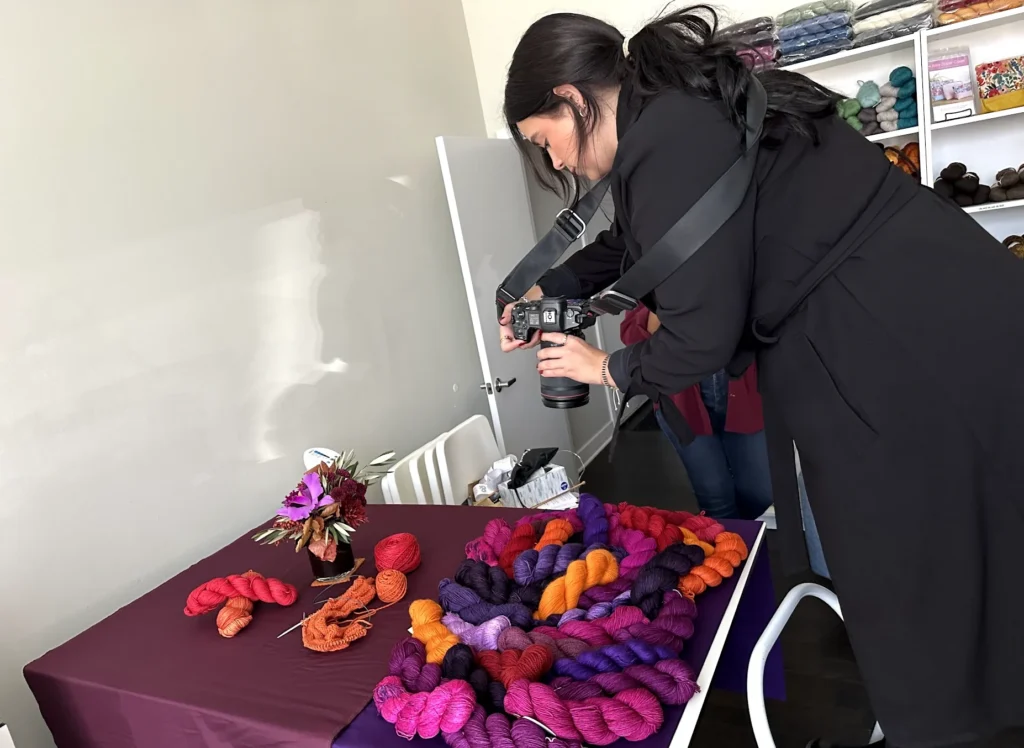
Strong visual elements can transform good patterns into great ones! Not everyone learns from written instructions alone. Photos, charts, and diagrams reach visual learners and make your patterns accessible to more customers. Make sure every element displays and prints smoothly.
High-Quality Photography: Your cover photo sells the design. Use your best image, well-lit and clearly showing the finished object. In addition, include multiple angles (front, back, sides) and detail shots of interesting construction elements.
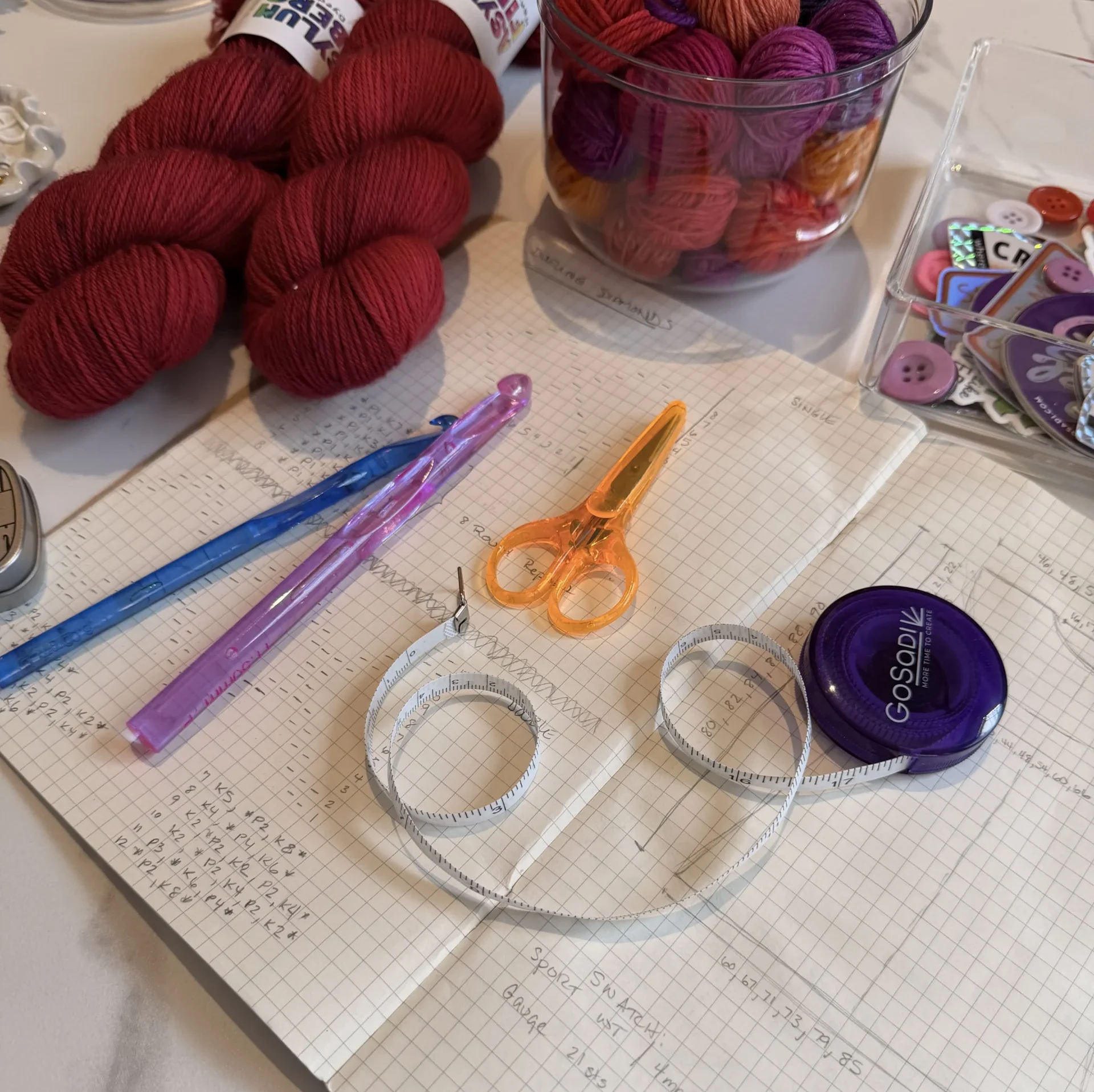
Charts and Diagrams: Colorwork, lace, and cable patterns are often represented as charts rather than written instructions. Create clear, properly sized charts with legends explaining all symbols. Include schematic diagrams showing garment measurements and construction diagrams for unusual methods.
Your charts should be large enough to read them comfortably.
Placing Images Strategically: Ensure images don’t break across pages and size them appropriately.
Exporting and Optimizing Your PDF for Online Sales
The final step, before uploading your pattern to your selling channels or simply to GoSadi, which will automatically distribute your pattern to your channels, is exporting your pattern with the right settings so customers receive a file that works seamlessly.
Check Your Final PDF: Before uploading to selling platforms, verify everything displays correctly on different devices. Check that page breaks don’t split instructions awkwardly or cut charts in half. Test hyperlinks if included. Print one copy to verify it prints cleanly. Read through one final time to catch typos or formatting inconsistencies.
File Naming: Name files clearly and professionally: “YourName-PatternName.pdf” works well. Avoid generic names or files with spaces and special characters. When you download your pattern, confirm that the name on the file is correct.
Creating Professional PDFs That Sell
Well-crafted PDFs create positive customer experiences that lead to repeat purchases, enthusiastic reviews, and word-of-mouth recommendations.
Professional PDFs signal that you care about your customers’ experience and take pride in your work. This builds trust. Customers who purchase one excellent pattern from you are likely to return for more.
Start with the essentials: clear formatting, readable fonts, good photos, and accurate instructions. Remember that “professional” doesn’t require expensive software or graphic design degrees. Professional means well-organized, clearly presented, carefully proofread, and thoughtfully formatted. You can achieve all of that with free tools.
Every pattern you publish builds your reputation. Make each PDF something you’re proud to attach your name to. When customers receive a beautifully formatted, easy-to-follow pattern, they remember you as a designer who delivers quality.
Continue Learning: