

Diving into the world of pattern design is an exciting journey. In addition to GoSadi and all that our platform has to offer, there are so many tools to help you achieve your goals as a designer. So we decided to highlight a few of our faves.
Choosing the right knitting and crocheting software program to aid in your design process can be a bit daunting if you are not familiar with what’s out there. In this guide, we’ll explore some of the top software choices to help you make an informed decision.
Our Top List of Knitting and Crocheting Design Software Tools
1. Stitchmastery
Designed specifically for the knitting pattern designer in mind, Stitchmastery offers a user-friendly interface that is not intimidating for newbies. Not only can you create comprehensive knitting charts, but it also allows for the automatic generation of written instructions from your charts. With a customizable stitch library, this software makes it easy to bring your designs to life.
2. Knit Visualizer
If charts are your main focus and you plan to design with a lot of colorwork, Knit Visualizer might be your go-to software tool. With a built-in stitch library and customizable grid sizes, it offers flexibility for various design complexities with a focus on color. You can also add your own stitches, making it a top choice for intricate designs.
3. KnitBird
KnitBird is a free tool that boasts an intuitive interface and is ideal for those just starting out. Using color and symbol coding for stitches, it allows for a visual representation of your patterns and ideas. Plus, its customizable stitch library means you’re not restricted in your designs.

4. Intwined Pattern Studio
Whether you’re into knitting, crocheting, or both, Intwined Pattern Studio has got you covered. It offers built-in stitch libraries for both crafts and can automatically generate written instructions. We like the efficiency. The customizable stitch legends ensure your patterns are easy for others to follow.
5. Row Counter App
While not strictly a design software, the Row Counter App landed on the list because we just kind of love it, and is a go-to tool for stitchers. It is a gem for those working on complex patterns. You can easily track multiple projects, count rows up or down, and set reminders so you never lose your place.
Platform: Mobile (iOS and Android).
6. Excel or Google Sheets
Hey – don’t knock it ‘til you try it! Think outside the box with spreadsheet software and really use the power of Excel. Edie Eckman teaches a few wonderful classes on how Excel can change your life as a designer and be one of your most powerful tools. Many designers find tools like Excel or Google Sheets perfect for creating their own charts. By using custom cell shading, borders, and fonts, you can easily design intricate knitting patterns. It’s a unique choice, but one that offers unparalleled customization.
We also love it for sizing formulas to make sure you are always offering the most inclusive size options.
Platform: Windows, Mac. / Internet based
7. Adobe Illustrator or Inkscape
For the more graphically inclined, vector graphic software like Adobe Illustrator or Inkscape can be a blessing. While there’s a steeper learning curve and we only recommend this for the more tech-savvy and familiar, the customization and precision these tools offer can’t be beaten. Perfect for refining and polishing professional-grade designs, creating schematics and so much more.
Platform: Windows, Mac for Illustrator. Windows, Mac, Linux for Inkscape.
8. Stitchworks Software
For those dedicated to crochet, Stitchworks Software is a top contender. Developed with the crochet designer in mind, this platform’s User-friendly interface is suitable for beginners and experts alike. It features a comprehensive standard crochet symbols library and the flexibility to design and incorporate your own symbols.
Bonus Must-Have Toolkit for Designers from Design Expert Francoise Danoy
Francoise, the stage is yours, take it away…
As a knitwear designer, I’m always on the lookout for new ways to streamline and accelerate my design process. I’m excited to share the top 5 tools and platforms that have helped me become more efficient and effective. These tools have made it easier for me to stay organized, create beautiful patterns, and distribute my work across multiple platforms.
project management magic
Staying organized is the secret ingredient to success. Project management tools like Asana, Trello, or ClickUp act as my digital assistants, ensuring seamless collaboration and on-time project completion. Templates keep me on track, transforming the design process into an organized and enjoyable venture.
Why is project management so crucial? It’s the backbone that supports creativity, offering a roadmap to navigate through the intricate steps of brainstorming, sketching, and execution. These tools provide added structure that allows for creative freedom, turning the design process into a well-choreographed dance rather than a stumbling improvisation.
bringing your designs to life
Procreate is my go-to app for sketching out my ideas and designs. It helps me formalize my thoughts and keeps everything in one digital space, eliminating paper clutter. Whether you prefer digital or traditional sketching, having a reliable method for organizing your ideas is crucial. With Procreate, you can easily create detailed sketches and make changes on the fly.
Read more from Francoise: Unraveling My Knitwear Design Process: The SWATCH Framework
navigating charts
Stitchmastery is one of my favorite tools for speeding up the design process. It’s a charting tool that allows you to create stitch patterns, charts, and written instructions. The program even checks your math to ensure correct stitch counts. This invaluable tool saves time and helps avoid errors in my patterns. Plus, it’s easy to use, even if you’re not a charting expert.
See more of our favorite tech tools here: Stitch Tech: A Guide for New Designers
crafting your identity
When starting out as a new designer, it’s essential to practice and develop your unique style and voice. Using templates and style sheets can help you get a better understanding of the design process and make your work more efficient. There are many resources online that can provide inspiration and guidance for creating your templates.
You can also use templates to create a consistent look and feel across all of your designs, making them instantly recognizable to your fans and followers. From understanding design intricacies to maintaining a consistent visual language, these elements contribute to your signature style as a designer.
Keep reading: The Power of Style Guides: A Key Player in Successful Branding and Tips on Creating Your Own
That is our top list of Stitch Tech. The world of pattern design is vast, and the tools available reflect the diverse needs of designers. Whether you’re looking for software with knitting-specific features or a more generalized tool that offers customization, there’s something on this list for everyone. There are lots more options out there and new tools popping up all the time so you want to keep an eye out for what works best for your needs.
your design hub for multi-platform integration
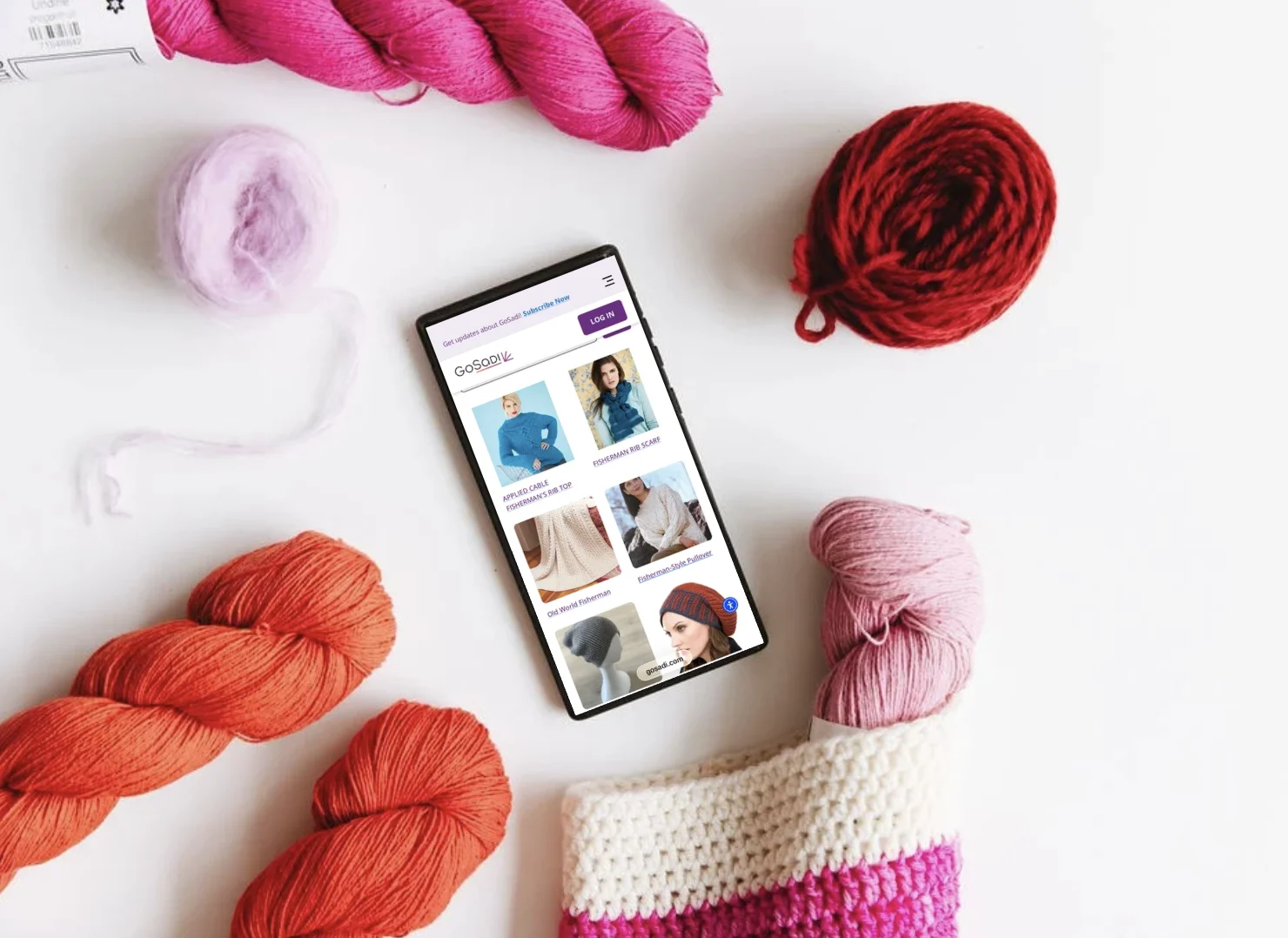
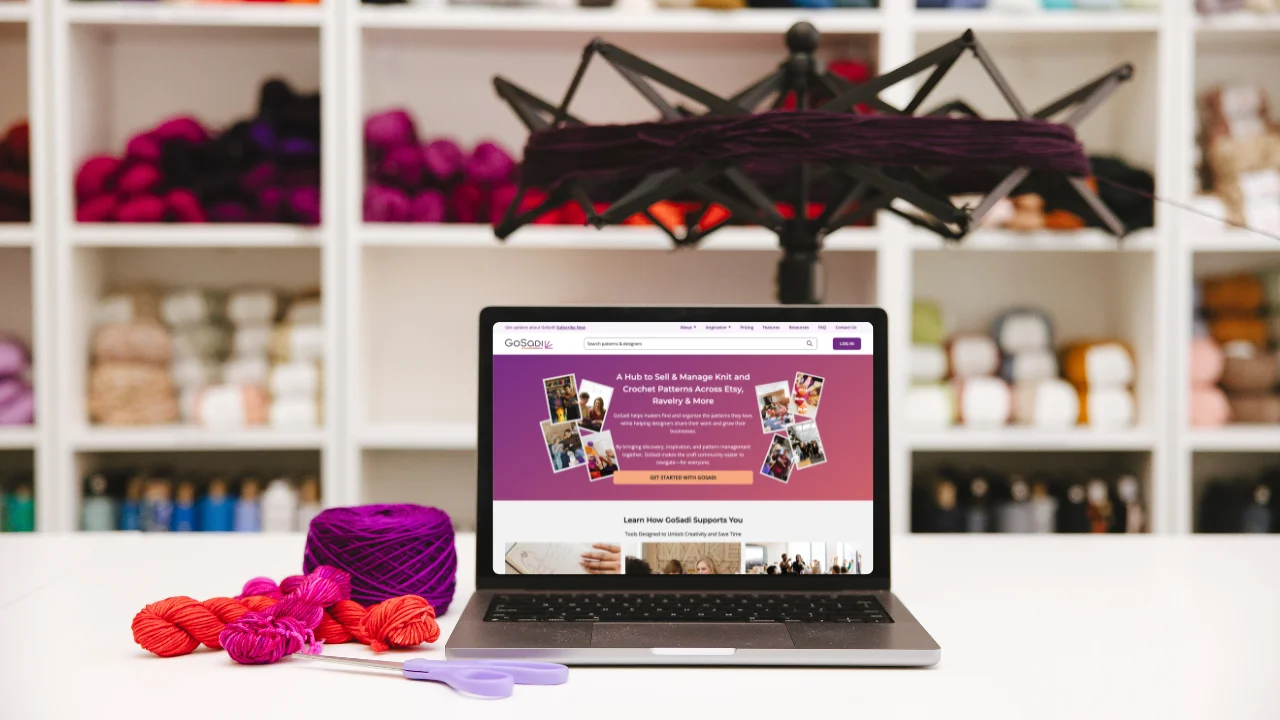
Enter gosadi, your new tool to streamline pattern distribution across multiple platforms! GoSadi has transformed the way I manage and distribute patterns. It’s the hub where I upload and organize my creations while seamlessly sharing them across platforms like Ravelry and LoveCrafts– this can save so much time! With gosadi, you get to focus on creating beautiful designs, while the platform takes care of the distribution logistics.
As you embark on your own design adventures, keep in mind that these tools are more than just instruments—they are companions in your creative journey. Experiment, refine, and let each tool become a part of your knitwear designs.
Remember: the key is finding what works best for YOU and your unique style. Stay on the lookout for new tools and platforms to help streamline your process even further.
Ready for more? Check out Francoise’s Designer Landing Page! Enjoyed this post? Sign up for our Newsletter for more industry insights and opportunities.