
Connect Your Etsy Store to GoSadi
*The term ‘Etsy’ is a trademark of Etsy, lnc. This application uses the Etsy API and is not endorsed or certified by Etsy, lnc.
If you’re a seller who values simplicity, efficiency, and customer engagement, integrating your Etsy shop with gosadi is a game-changer. It offers a convenient way to manage your design catalog and digital offerings while enhancing your connection with your audience.
With our DLP (Designer Landing Page), you can simplify showcasing your design patterns without the need for web development skills. Seamlessly integrated with your gosadi account, it optimizes SEO, streamlines social media marketing, and comes with no additional listing fees. Now, you can deliver a fluid and engaging experience for both you and your customers.
In this guide, we provide a comprehensive, step-by-step approach to help you set up your Etsy integration, shedding light on both its advantages and the necessary compliance requirements. Join us on this journey to elevate your Etsy shop’s capabilities and enhance the overall customer experience.
Connecting Your Etsy Account
Log into your gosadi Account:
Begin the integration process by signing in to your gosadi account.
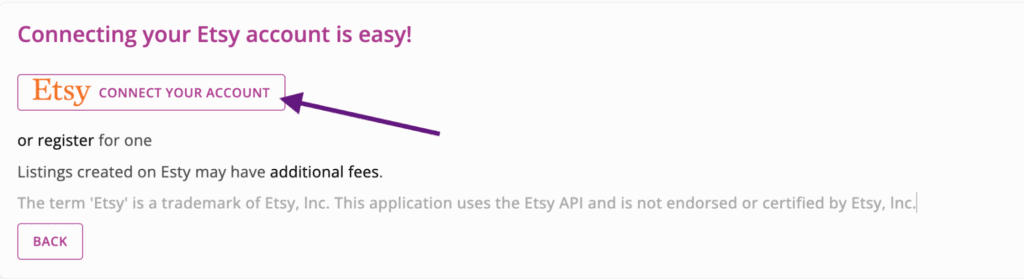
Or click “register” to be taken to Etsy’s registration page.
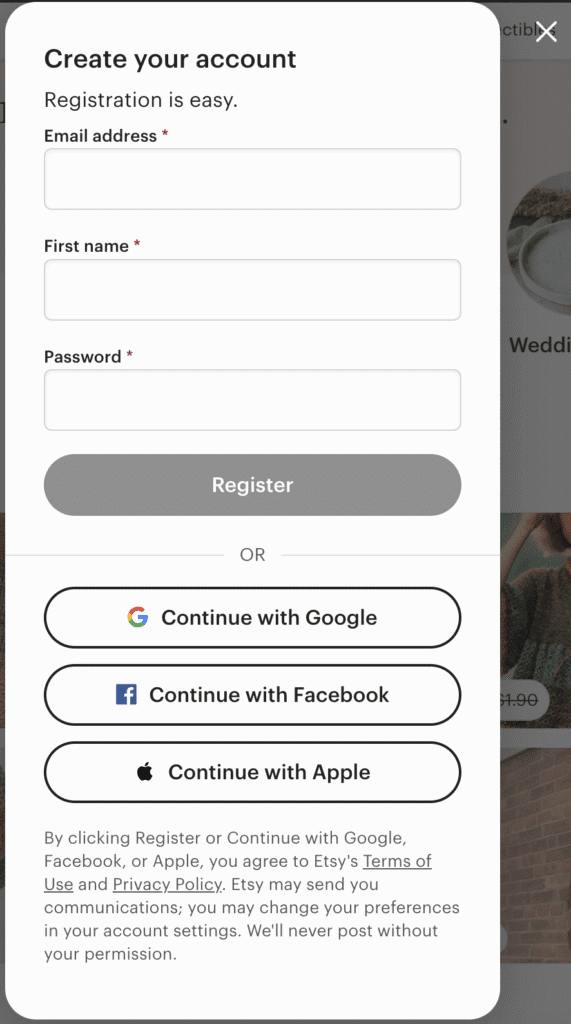
After being redirected to the Etsy login page, you’ll need to log into your account.
Authorize gosadi
Grant gosadi the necessary permissions by checking the checkboxes and clicking “Authorize” after logging in to your Etsy account.
Import Confirmation
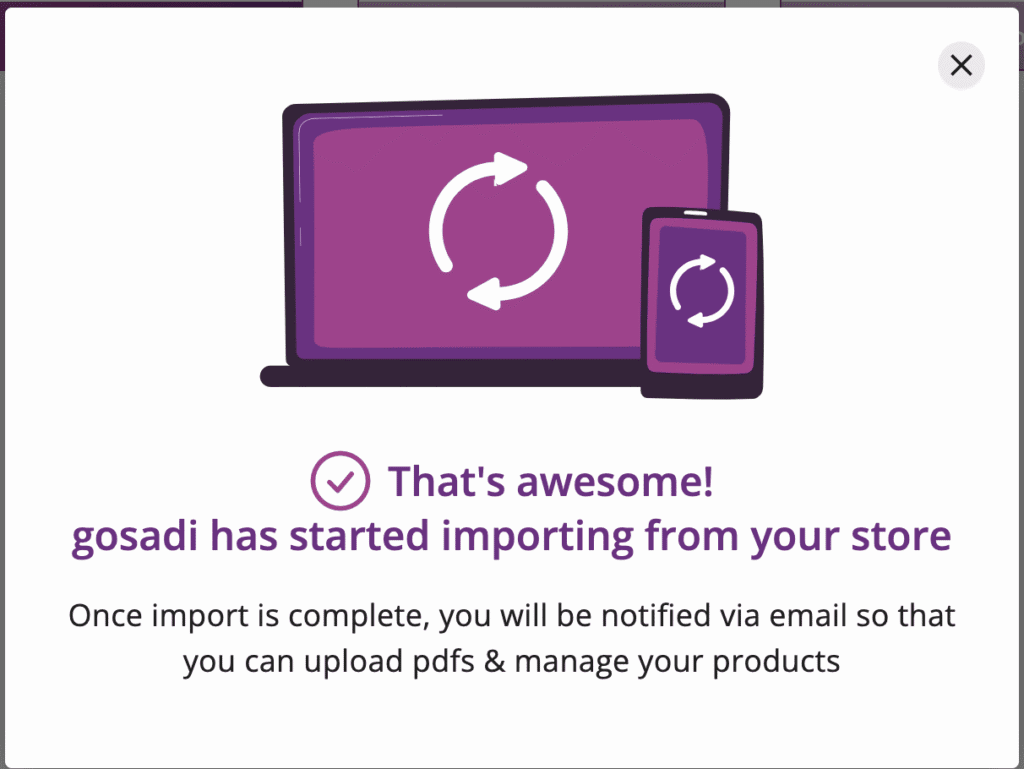
If you choose to import your inventory, a confirmation window will indicate that your import has started. Keep an eye on your inbox for an email notifying you when the import process is complete.
Reimporting Listings from Your Etsy Shop
If you ever need to reimport your Etsy listings:
Disconnect Etsy
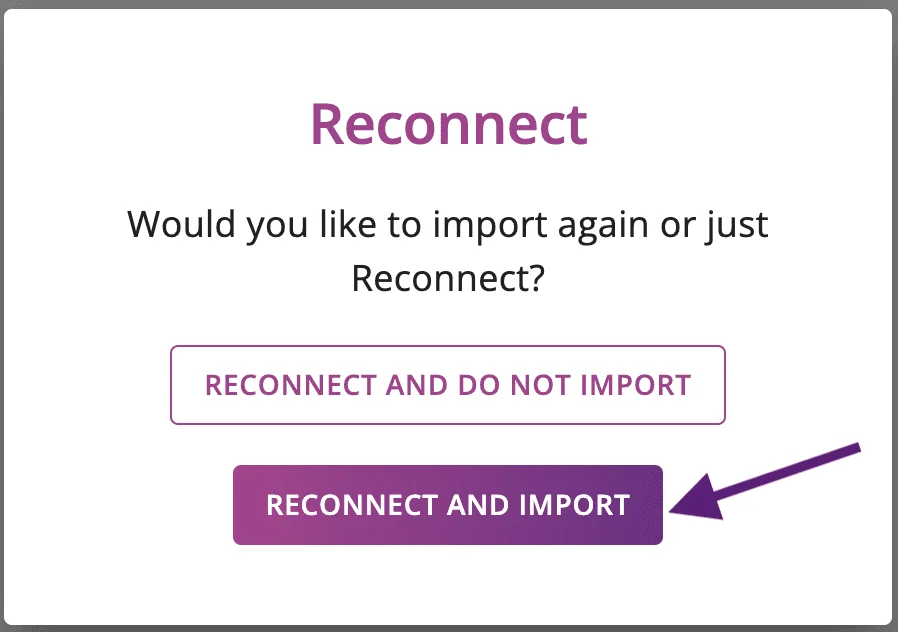
Click “Reconnect” and then select “Reconnect and Import.”
You will be redirected to the Etsy login page. Log in to your Etsy account.
Authorize gosadi
After logging in, check the checkboxes authorizing gosadi to connect and click “Authorize.”
Import Confirmation
You’ll receive a confirmation window indicating that your import has started. Keep an eye on your inbox for an email notifying you when the process is complete.
Sync Listing Updates to Your Etsy Shop
Once your designs are imported, you can seamlessly manage them:
- Click on the pattern name:
- Locate your design in the Product Library and click on its name.
- Update the details about your pattern:
- Go through each screen to make necessary updates.
- Go to The Etsy tab and click ‘Sync to Etsy’:
- Your updates will sync to your Etsy listing in real-time, ensuring your shop stays up-to-date.
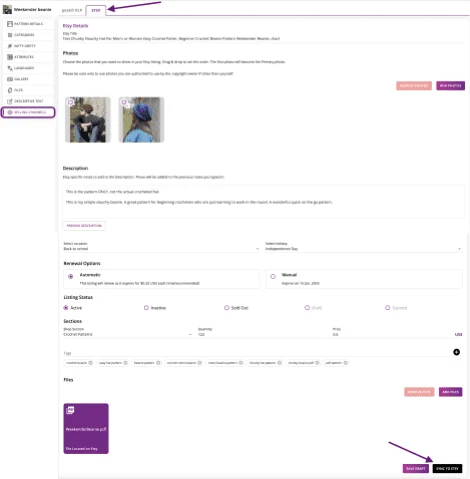
Publish a New Product to Your Etsy Shop
To create and publish a new product on Etsy:
- Go to Manage Products > Create New Product:
- Begin the process of creating a new product in gosadi.
- Enter details about your pattern:
- Provide all necessary information.
- Go to The Etsy tab and click ‘Publish to Etsy’:
Your new product will be published on your Etsy shop.
Refreshing Etsy Listings
To maintain compliance with Etsy’s API requirements and keep your shop data up-to-date, regular refreshing is essential:
Why Is a Refresh Needed
Etsy’s ecosystem is dynamic, with frequent changes. Refreshing ensures data accuracy, compliance, and system efficiency.
How to Refresh
If your products remain unedited for more than 6 hours, a message at the top of the Product Library screen will prompt you to refresh your Etsy data. Click the Refresh button to initiate the process.

Final Thoughts
Integrating gosadi with your Etsy shop empowers you to stay in sync with Etsy’s evolving marketplace and maintain data accuracy. This integration benefits Etsy users as a whole by fostering a more reliable and efficient platform for sellers and buyers alike. Explore the convenience of gosadi and elevate your Etsy shop today!