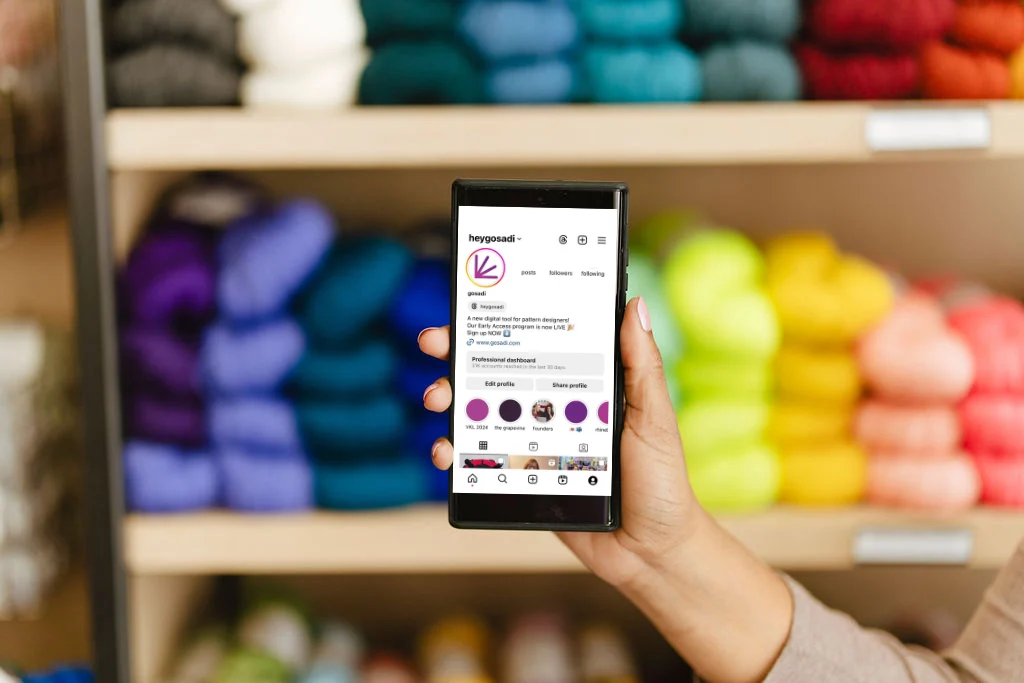


Instagram is a great place to show off your makes and stitches as you begin developing new designs and ideas. It’s a fantastic tool for sharing inspiration and a valuable resource for finding inspiration.
As an independent designer, embracing Instagram Business Accounts goes beyond showcasing your creations; it’s about strengthening connections and honing your voice. Creating content that resonates transforms your audience from customers into a tightly-knit community, fostering a connection that lasts and, if done correctly, translates into sales.
You will quickly find that the community you’ll build will not only become your loyal customers but also champions of your success.
This is a great place to take a moment and note: Vanity metrics mean NOTHING if they are not helping you reach your business goals. Focus on community building combined with your business goals. Your metrics will be secondary confirmation that you’re on the right path.
Let’s dive into how to put that concept into practice!
What Is an Instagram Business Account?
An Instagram Business Account is a free account type designed for brands, entrepreneurs, and creators who want to grow their presence and reach new audiences. Unlike personal profiles, business accounts unlock access to Instagram Insights (analytics), shopping tools, ad creation, and contact buttons that help you better serve customers and track performance.
You can also:
- Promote posts and run ads
- Tag products using Instagram Shopping
- Get access to real-time performance metrics
Benefits of an Instagram Business Account
Upgrading to an Instagram business account unlocks a suite of tools designed to help creators, entrepreneurs, and small businesses grow and manage their presence more effectively.
Access to analytics:
Instagram Insights gives you real-time data on post performance, audience demographics, and engagement trends—so you can create more of what works.
Professional appearance:
Business accounts display contact buttons, business categories, and location details, helping to build credibility with potential customers and collaborators.
Product tagging and Instagram Shopping:
You can tag products directly in your posts and Stories by connecting your account to Meta’s Commerce Manager. This makes it easier for followers to browse and purchase without leaving the app.
Ad tools and audience targeting:
Instagram business accounts can run promotions and ads using Meta’s Ads Manager, giving you more control over who sees your content and when.
Access to scheduling and management tools:
Connect to Meta Business Suite to schedule content, manage DMs, and review performance metrics across Instagram and Facebook in one place.
Switching to a business account not only gives you more visibility into how your content performs, but it also equips you with the tools to turn passive followers into active customers.
How to Build a Strong Instagram Business Community
In today’s visual-first digital space, Instagram is home to over 25 million business accounts — making it a powerful tool for small brands and makers. With the right strategy, your Instagram business account can become more than just a feed — it can be your community hub.
Here’s how to build an engaged and loyal audience:
Be genuinely authentic. Don’t just follow trends — share content that reflects your values, creative process, and unique style. This helps build trust and long-term followers.
Post with purpose. Think of your business account as your brand’s digital storefront. Each post is a chance to invite people into your world, share stories, and connect meaningfully.
Stay consistent. Whether you post once a day or a few times a week, consistency builds reliability. It also helps Instagram’s algorithm surface your content more often.
Focus on your voice. Even when following trends, make sure your brand voice stays at the core. This keeps your content cohesive and recognizable.
The goal of your Instagram business account isn’t just growth — it’s connection. When you post intentionally and authentically, you attract an audience that values your work and wants to support your business journey.
New to Instagram for business? Learn more about Turning Your Stitchwear Hobby into a Thriving Business.

Quick Setup Checklist for Instagram Business
- Download the Instagram app
- Go to Settings > Account > Switch to Professional Account
- Choose “Business” (not Creator)
- Connect to your Facebook Page (optional, but recommended)
- Add your business contact info
- Start creating posts and Reels
- Explore Insights to learn about your audience
- Tag products via Meta’s Commerce Manager (if applicable)
Remember, if you’ve made the decision to switch to a Business Account, you can switch back to a personal account or a Creator account at any point. Many of the analytic tools available to business accounts are also available to creator accounts, BUT without the label of being a potential advertising partner.
What Should I Post on My Instagram Business Account?
Once your Instagram business account is set up, the next step is creating content that builds your brand and drives results. Focus on posts that balance storytelling, value, and visibility.
Reels for reach
Reels are one of Instagram’s most discoverable formats. Use them to showcase your creative process, highlight new products, or share quick, engaging tutorials.
Behind-the-scenes content for trust
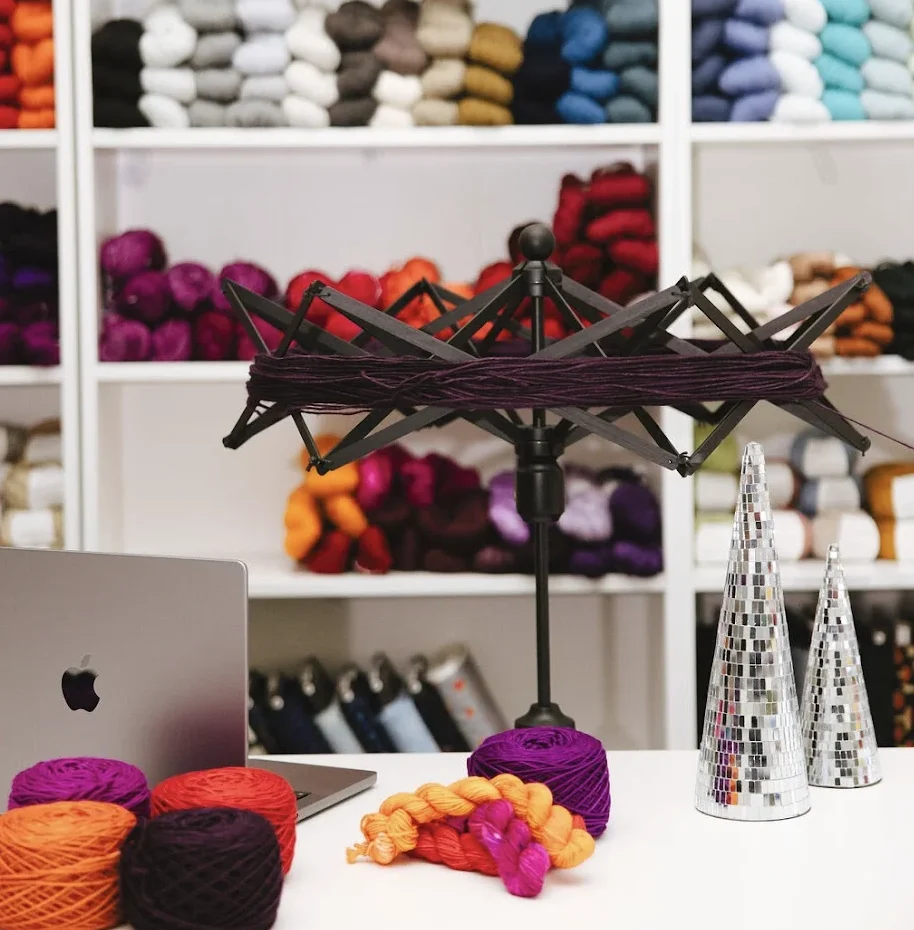
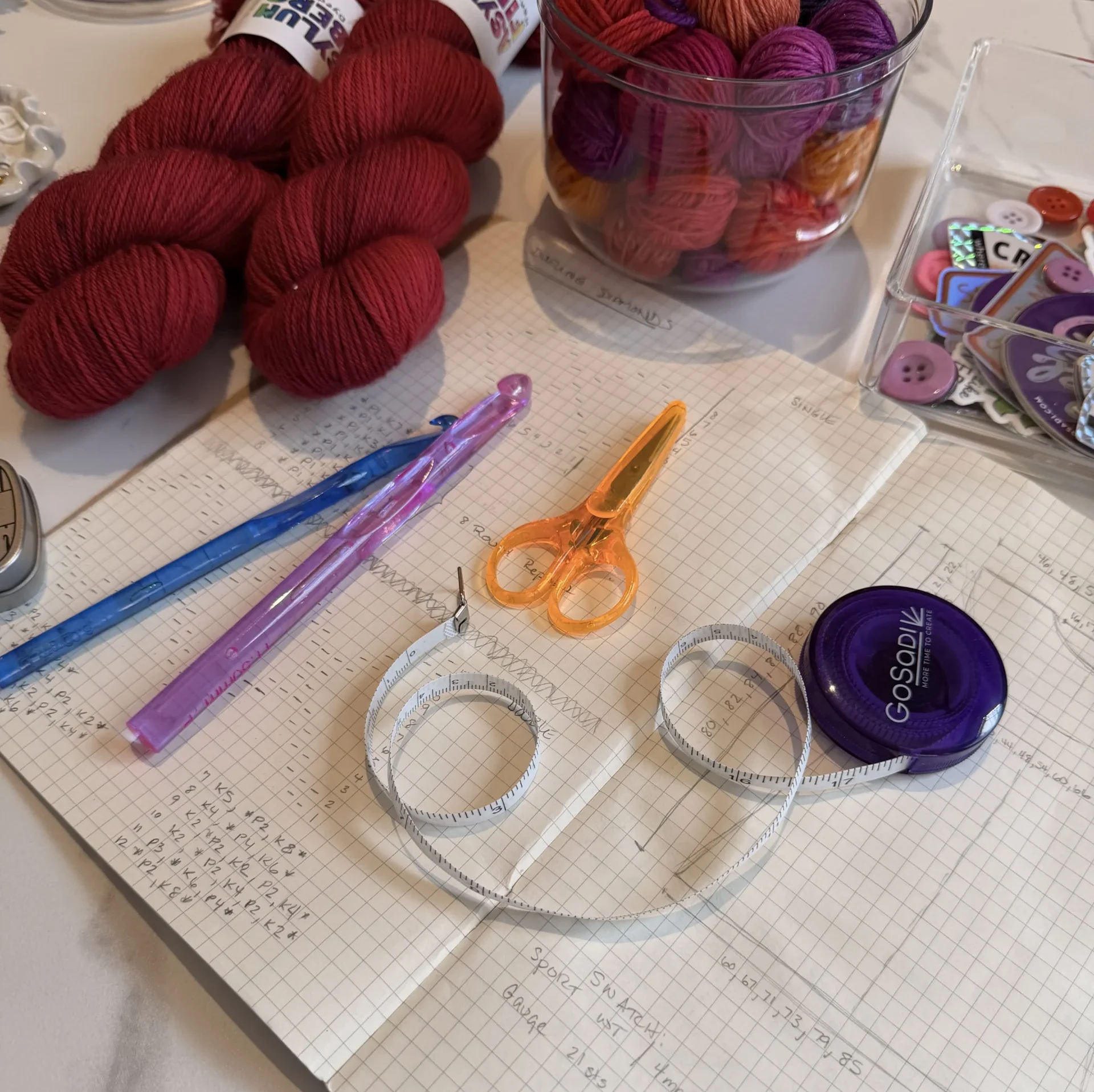
Give your followers a look into your day-to-day life. Share workspace photos, design sketches, or packaging steps to create a more personal connection with your audience.
Product drops and updates for sales
Use carousel posts or Reels to promote new launches, restocks, or upcoming events. If you’ve enabled Instagram Shopping, tag your products to make purchasing easy.
When you combine these content types with a consistent posting schedule and authentic voice, your Instagram business account becomes a tool not just for growth—but for meaningful engagement.
Instagram Business Account PAAs
How many Instagram accounts can I create?
You can create and manage up to five accounts on the Instagram app — perfect if you want to keep your Instagram business account separate from your personal or creator profiles.
What is the difference between a business and a personal Instagram account?
Personal accounts are meant for casual use, while Instagram business accounts offer tools like analytics (Instagram Insights), post promotion, and shopping features. Businesses also gain contact buttons and profile call-to-actions.
How many times should I post on an Instagram business account to be successful?
Research shows that business accounts post about 1.5 times per day. For handmade sellers or indie brands, 3–5 high-quality posts per week — including Reels and Stories — is a strong place to start.
How do I set up Instagram Shopping?
To enable product tagging, your Instagram business account must be connected to a product catalog using Meta’s Commerce Manager. Once approved, you can tag up to 20 products in a post.
Do I need a business account to run ads or tag products?
Yes — Instagram business accounts are required for ads and Instagram Shopping. Personal and Creator accounts don’t offer these monetization features.
Does it cost money to have a business account?
No — it’s completely free to set up and use an Instagram business account. You’ll only pay if you run paid ads or use in-app checkout through Commerce Manager (which includes a small selling fee).